Everything that happened on Géocartie this summer
Eleven new maps, a catalog, dark mode, zoom, focus mode: a recap of the last three weeks of updates, and where to start.
Three weeks of updates
Géocartie has changed a lot over the past few weeks. Rather than go into every detail here, here's a recap of what's happened — each new feature will get its own dedicated post in the coming weeks.
Lots and lots of new maps
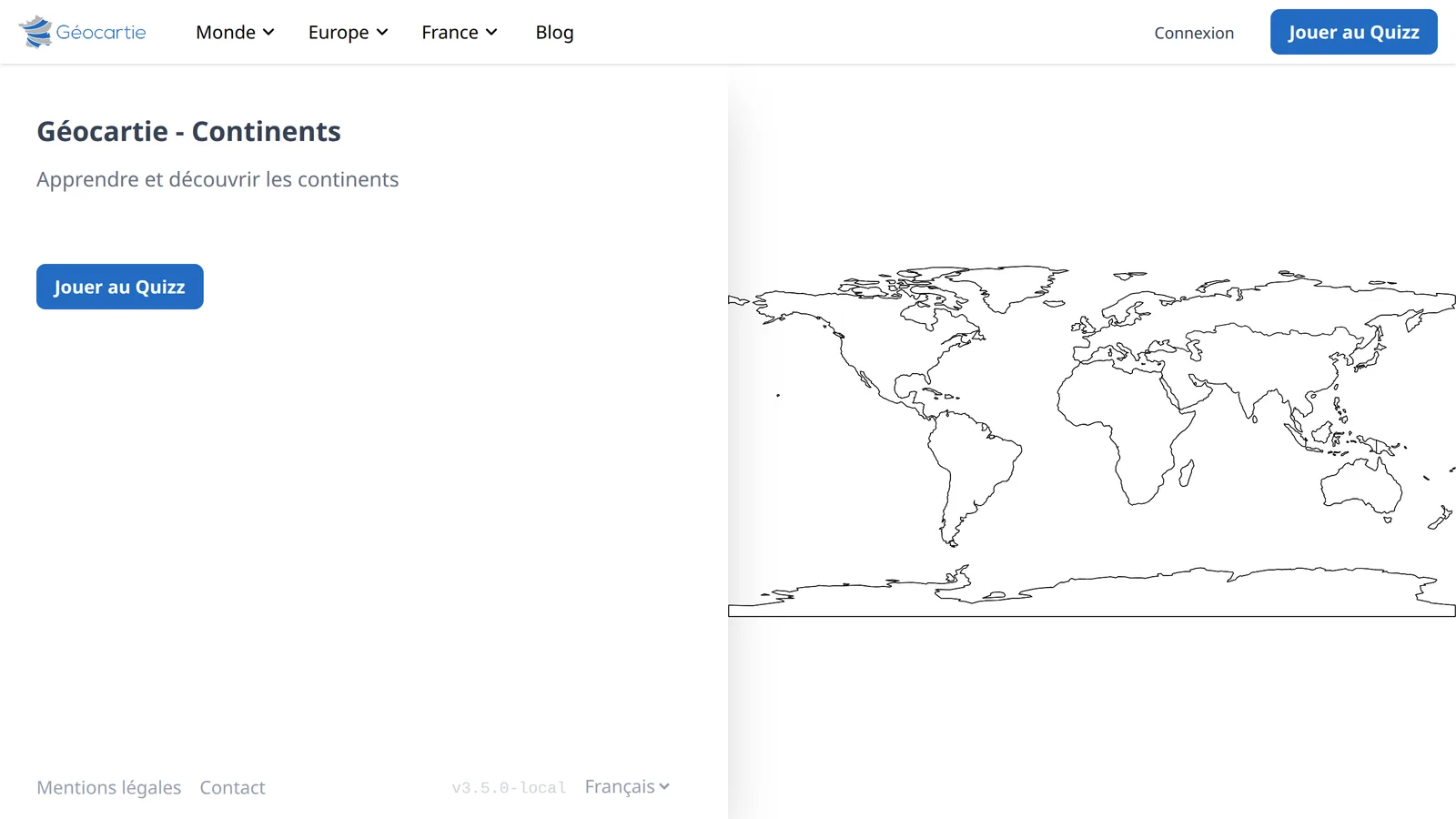
Géocartie is no longer limited to France. You can now play on the continents and countries of the world, the countries of Europe, the German Länder, the regions and provinces of Belgium, the autonomous communities and provinces of Spain, the nations of the United Kingdom, the US states, and the Canadian provinces.
Alongside the French regions and départements we started with, that's plenty to practice well beyond France.
📖 Read it: Géocartie's maps: the world, Europe, the Americas
A catalog and navigation to help you find your way
With this many maps, we needed a way to browse them. The All maps page presents them by continent, then by country, with a preview of each map that enlarges on hover. The navigation bar follows the same structure: wherever you are, you can see which part of the world you're in and jump elsewhere with a single click.
📖 Read it: Which map should you study? The Géocartie catalogue
Dark mode
Géocartie now follows your system theme. If your phone or computer is set to dark mode, the site follows suit: maps, quizzes, the leaderboard, the blog, and forms have all been reworked to stay readable at night.
Zooming and panning on maps
Maps can now be zoomed with the scroll wheel (or a two-finger pinch on mobile) and panned by holding down the left or middle mouse button.
📖 This is already covered in detail in How to zoom and pan on a map.
Focus mode and the tooltip
On desktop, focus mode hides the side description panel to give the map all the space. When it's active and no quiz is running, a tooltip follows your cursor and names the territory you're hovering over — handy for reviewing a map before diving into a quiz.
📖 Read it: How to memorize a map in 3 steps
📖 Read it: Reviewing a map in full screen: focus mode
The blog, in French and English
Finally, the blog you're reading has been redesigned: posts are now displayed
as cards sorted from most recent to oldest, with their reading time, and
can be filtered by topic. Every post is also available in English, under /en/blog.
What now?
The best way to discover all of this is still to go play.
- New to the site? The continents — five minutes, and the structure of the world clicks into place.
- Want something more challenging? The countries of Europe.
- Looking for something else? The full catalog is on All maps.
🏆 With a free account, your scores are saved from one practice session to the next, and you appear on the leaderboard.